Best Photos for AI Dress Try-On
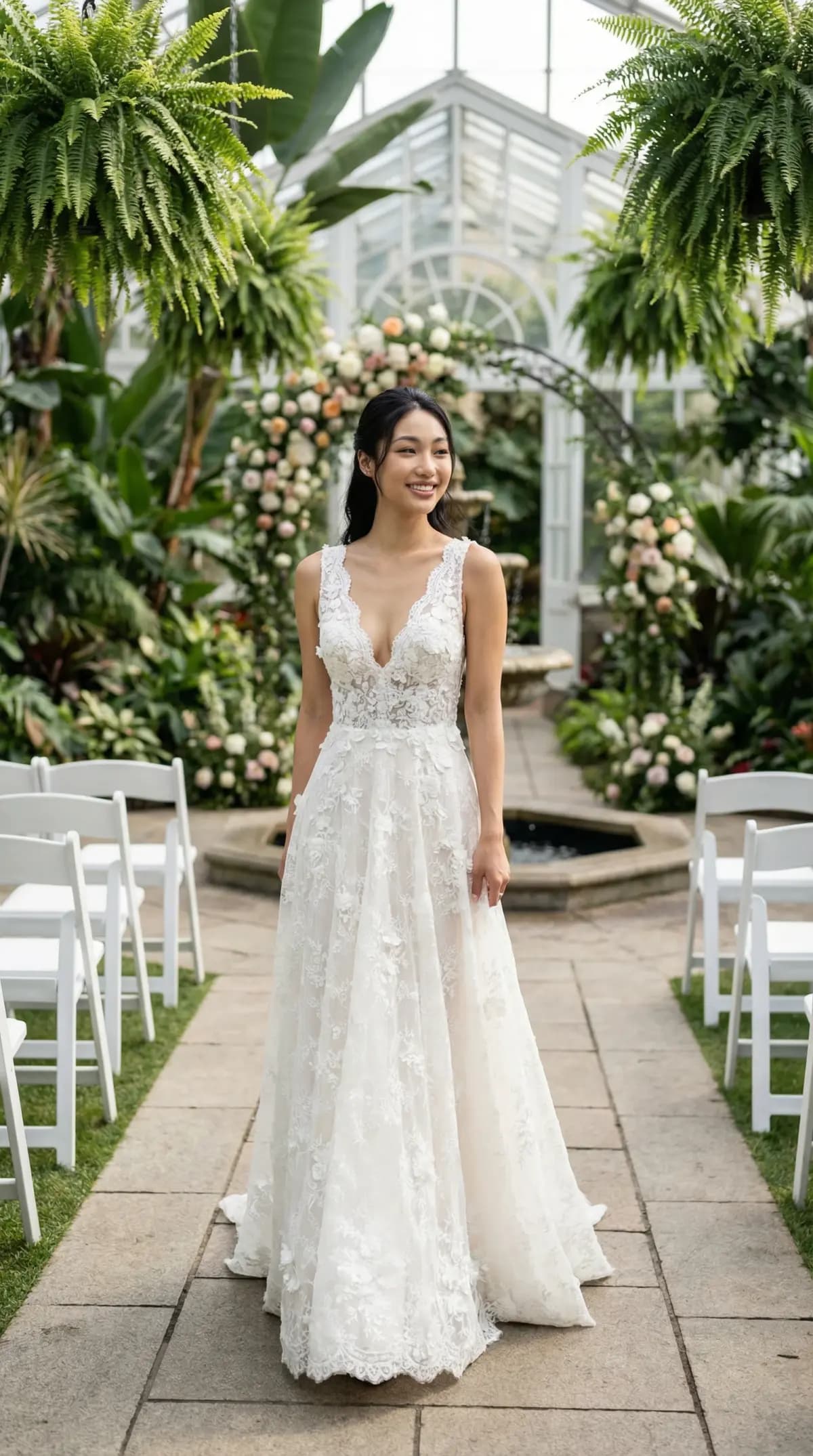
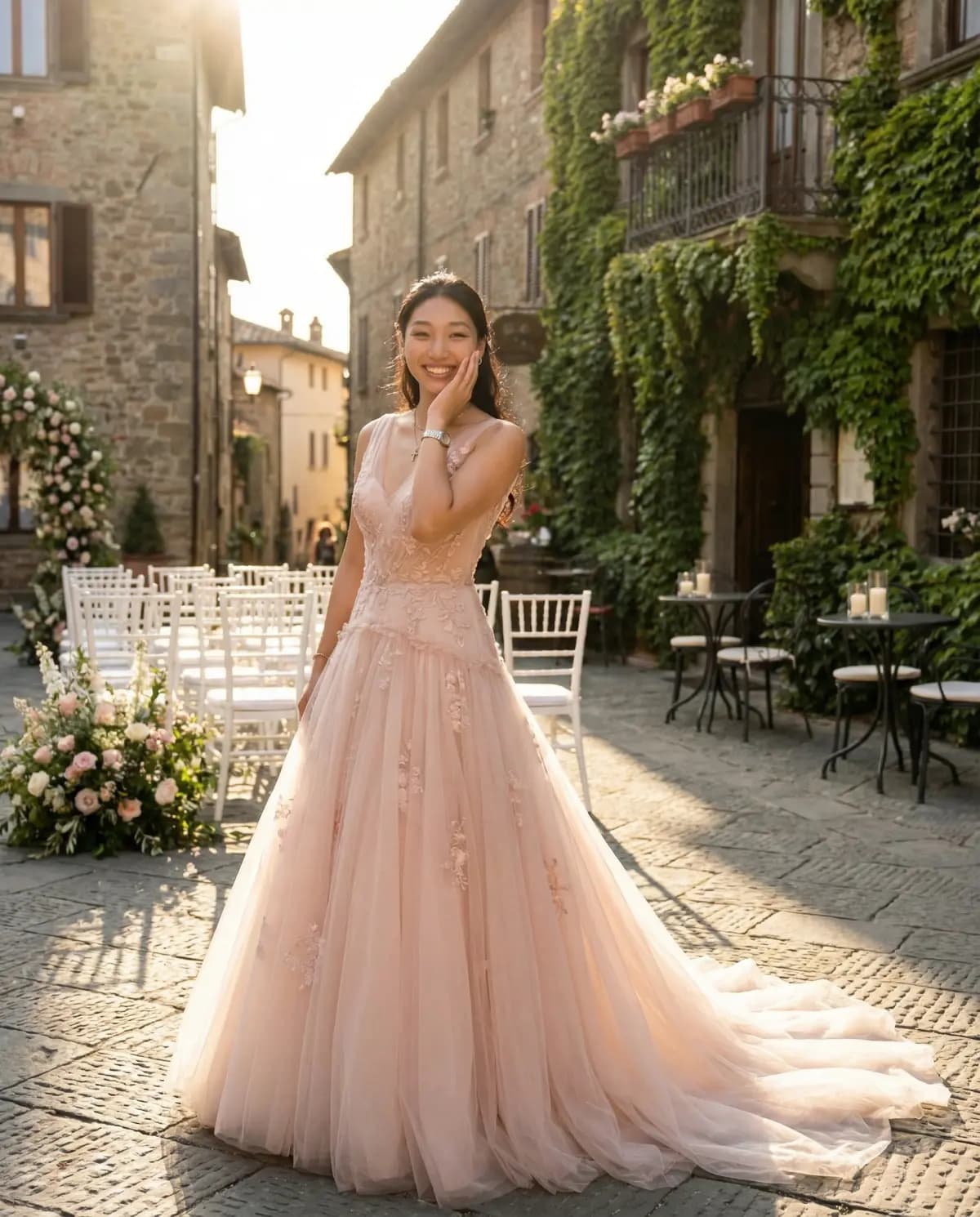
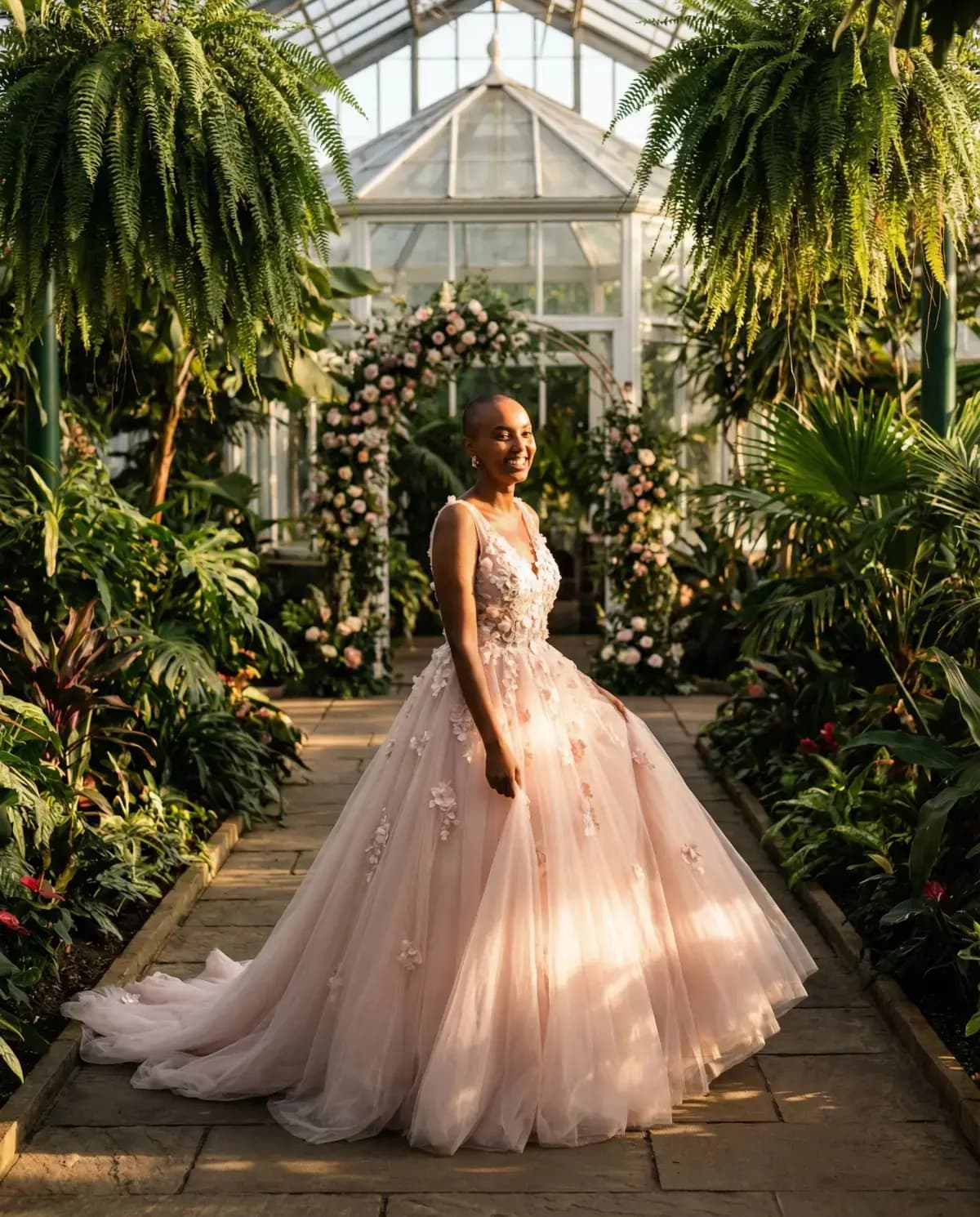
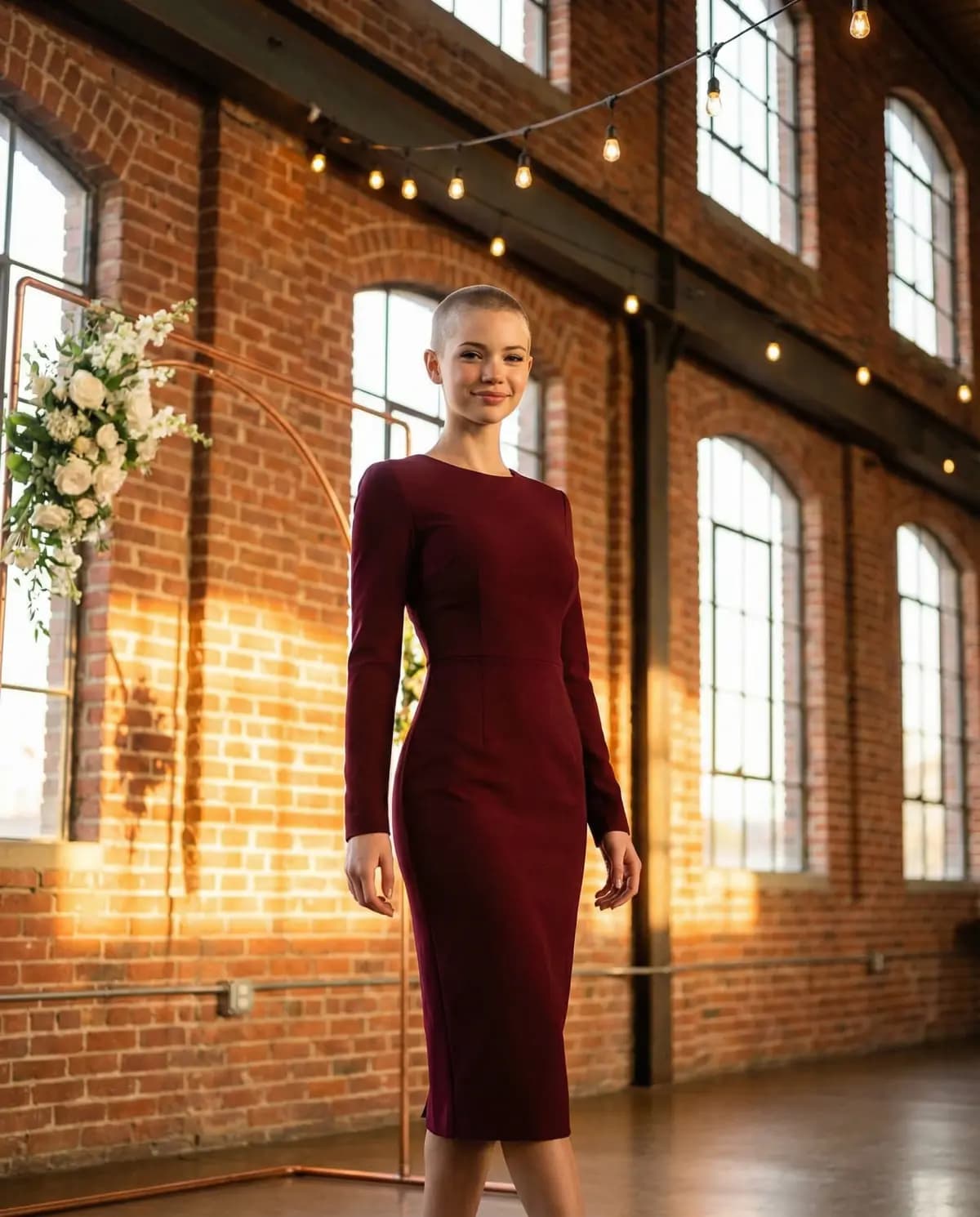
All images in this post were created with Try My Dress. Try it free →
The quality of your AI dress try-on results depends heavily on the photo you upload. A great photo produces stunningly realistic results, while a poor one can lead to awkward distortions or unrealistic output. Here's everything you need to know about taking and selecting the perfect photo for your AI wedding dress try-on session.
The Ideal Photo: What to Aim For
Before diving into specific tips, here's the quick checklist for a perfect try-on photo:
- Full body visible from head to toe
- Standing upright, facing the camera
- Good, even lighting (natural light is best)
- Simple, uncluttered background
- Form-fitting clothing (not baggy or oversized)
- Arms relaxed at your sides or slightly away from your body
- High resolution (phone cameras from the last 3-4 years are fine)
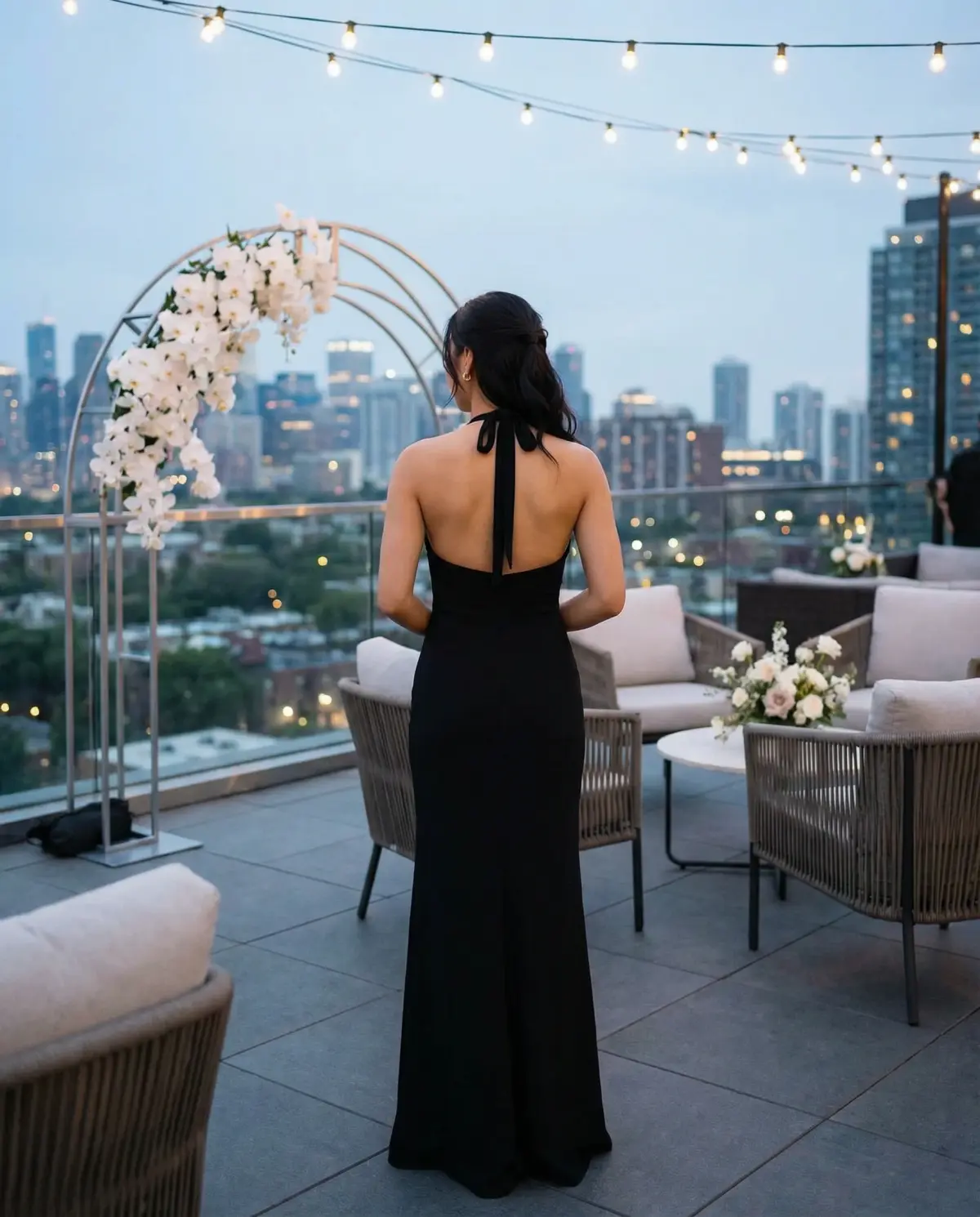
Lighting Makes or Breaks It
Lighting is the single most important factor for realistic results. The AI uses lighting cues from your photo to render the dress convincingly, so mismatched or poor lighting leads to unnatural-looking output.
Do:
- Shoot in soft, natural light — near a large window or outdoors on an overcast day
- Face the light source so your body is evenly illuminated
- Avoid mixed lighting (like one side lit by a window and the other by a lamp)
Don't:
- Use harsh overhead lighting that creates strong shadows under your chin and nose
- Shoot with a bright light directly behind you (backlit) — this creates silhouettes
- Use flash, which flattens features and creates harsh highlights
Pose and Positioning
The AI needs to see your full body clearly to generate accurate dress placement. Your pose matters more than you might think.
Best poses:
- Standing straight, facing the camera, with your feet about hip-width apart
- Arms relaxed at your sides or hands lightly clasped in front of you
- A slight, natural stance — you don't need to be perfectly rigid
Avoid:
- Sitting, leaning, or crouching — the AI is optimized for standing poses
- Arms crossed over your body, which hides your torso
- Extreme angles or side profiles — a front-facing photo produces the best results
- Cropped photos that cut off your feet or the top of your head
What to Wear
What you're wearing in the photo affects how well the AI can map the dress onto your body.
Best choices:
- Form-fitting clothing like a tank top and leggings, a fitted dress, or activewear
- Solid, neutral colors (black, white, gray, nude) — avoid busy patterns
- Clothing that shows your natural body shape
Avoid:
- Baggy hoodies, oversized coats, or puffy jackets — the AI can't determine your body shape through loose fabric
- Heavy layering that adds bulk
- Very dark or very bright clothing that blends into the background
Background Considerations
A clean background helps the AI isolate your figure and produce cleaner results.
Good backgrounds:
- A plain wall (white, light gray, or any solid color)
- An open, uncluttered indoor space
- Outdoors with a simple backdrop (a fence, a field, a building facade)
Problematic backgrounds:
- Very busy scenes with lots of people, furniture, or patterns
- Mirrors (the AI may try to process your reflection)
- Backgrounds where you blend in (wearing a white top against a white wall)
Common Mistakes to Avoid
Here are the most frequent issues we see and how to fix them:
- Blurry photos — Make sure your camera is focused and you're holding still. Use a timer or ask someone else to take the photo.
- Too far away — Your body should fill most of the frame. If you're a tiny figure in a landscape shot, the AI doesn't have enough detail to work with.
- Sunglasses or hats — These can interfere with face detection and identity preservation. Remove accessories that obscure your face.
- Group photos — Use a photo of just yourself. The AI may get confused about which person to dress.
- Heavily filtered or edited photos — Avoid Instagram-style filters, extreme color grading, or heavy retouching. The AI works best with natural, unedited photos.
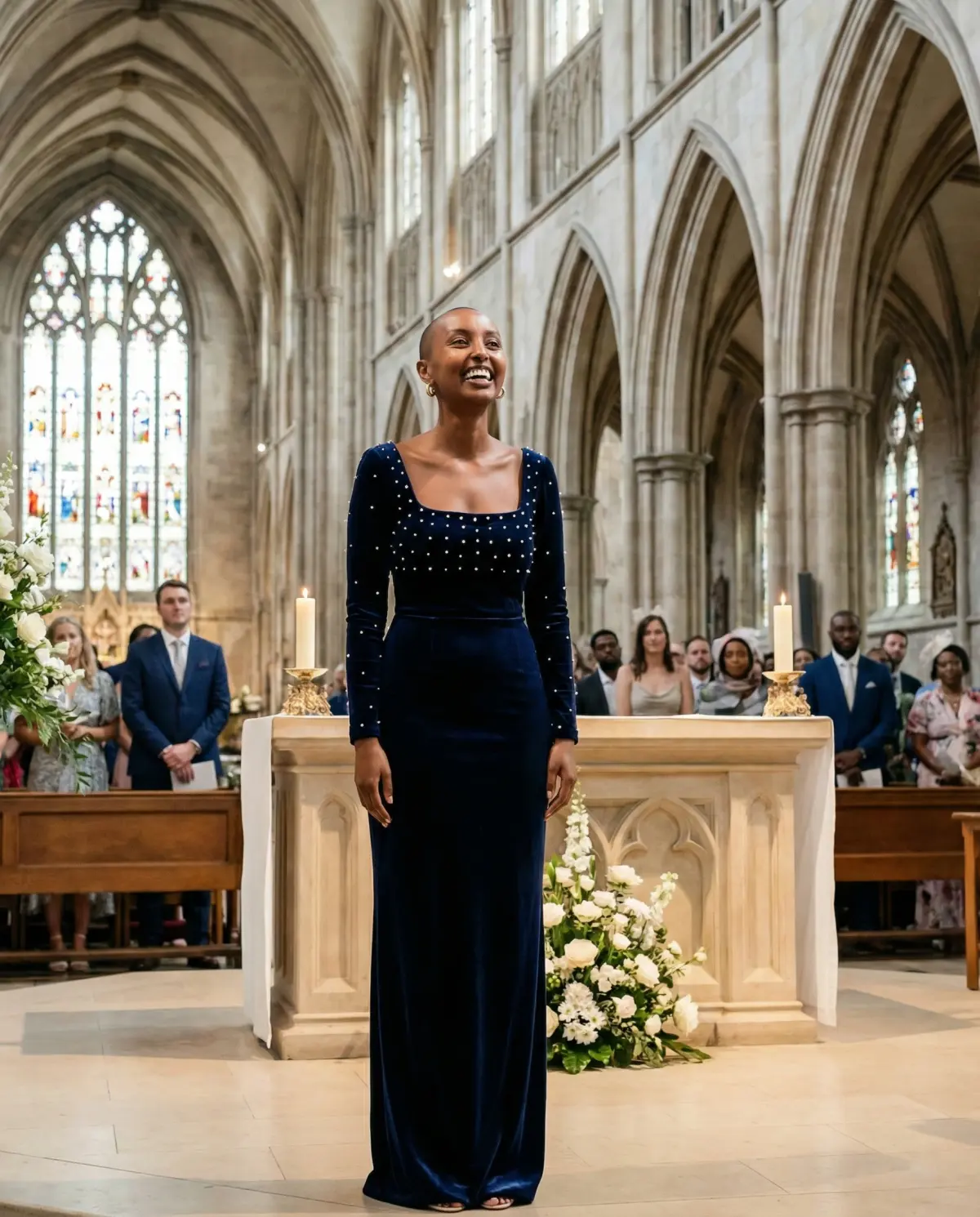
Quick Setup Guide
If you want to take a fresh photo specifically for try-on, here's a 2-minute setup:
- Find a spot near a large window with indirect sunlight
- Stand about 6-8 feet from a plain wall
- Put on fitted, solid-colored clothing
- Set your phone camera to the highest quality setting
- Have someone take the photo, or prop your phone up and use a 3-second timer
- Stand facing the camera, feet hip-width apart, arms relaxed
- Take 3-4 shots and pick the sharpest one
That's it. Upload your best shot to Try My Dress and start exploring hundreds of wedding dress styles on your body in seconds.
Where to Shop
Once you know which styles look best on you, shop here:
- David's Bridal – Not just bridal gowns — they also carry formal and semi-formal dresses that work perfectly for wedding guests. Shop David's Bridal →
- Anthropologie – Great for romantic, boho, and statement guest looks if you want something less traditional. Shop Anthropologie →
- Azazie – Affordable bridesmaid and guest dresses in a huge range of colors and sizes, with a try-at-home program. Shop Azazie →
- Amanda Novias – Elegant formal and bridal-adjacent dresses at accessible prices, great for guests who want something a little extra. Shop Amanda Novias →
Explore These Styles
See AI-generated images for these dress silhouettes:
- A-Line Dresses →Classic silhouette that flares gently from the waist, flattering on all body types.
- Mermaid Dresses →Body-hugging from bodice to knee, then flares dramatically.
- Ball Gown Dresses →Full, voluminous skirt with a fitted bodice for a fairy-tale look.